> For the complete documentation index, see [llms.txt](https://docs.thoth.id/llms.txt). Markdown versions of documentation pages are available by appending `.md` to page URLs; this page is available as [Markdown](https://docs.thoth.id/web-app.md).

# Web App

The user guide. Search for a name, register it, and manage everything attached to it.

{% hint style="warning" %}
**Project status: testnet**

The thoth.id web app currently runs against the **Hathor testnet**. Names you register, fees you pay and tokens you receive are testnet assets, and testnet names don't carry over to mainnet. Screenshots in this section were taken on the testnet build, which is why they show a **Testnet** label next to the logo.
{% endhint %}

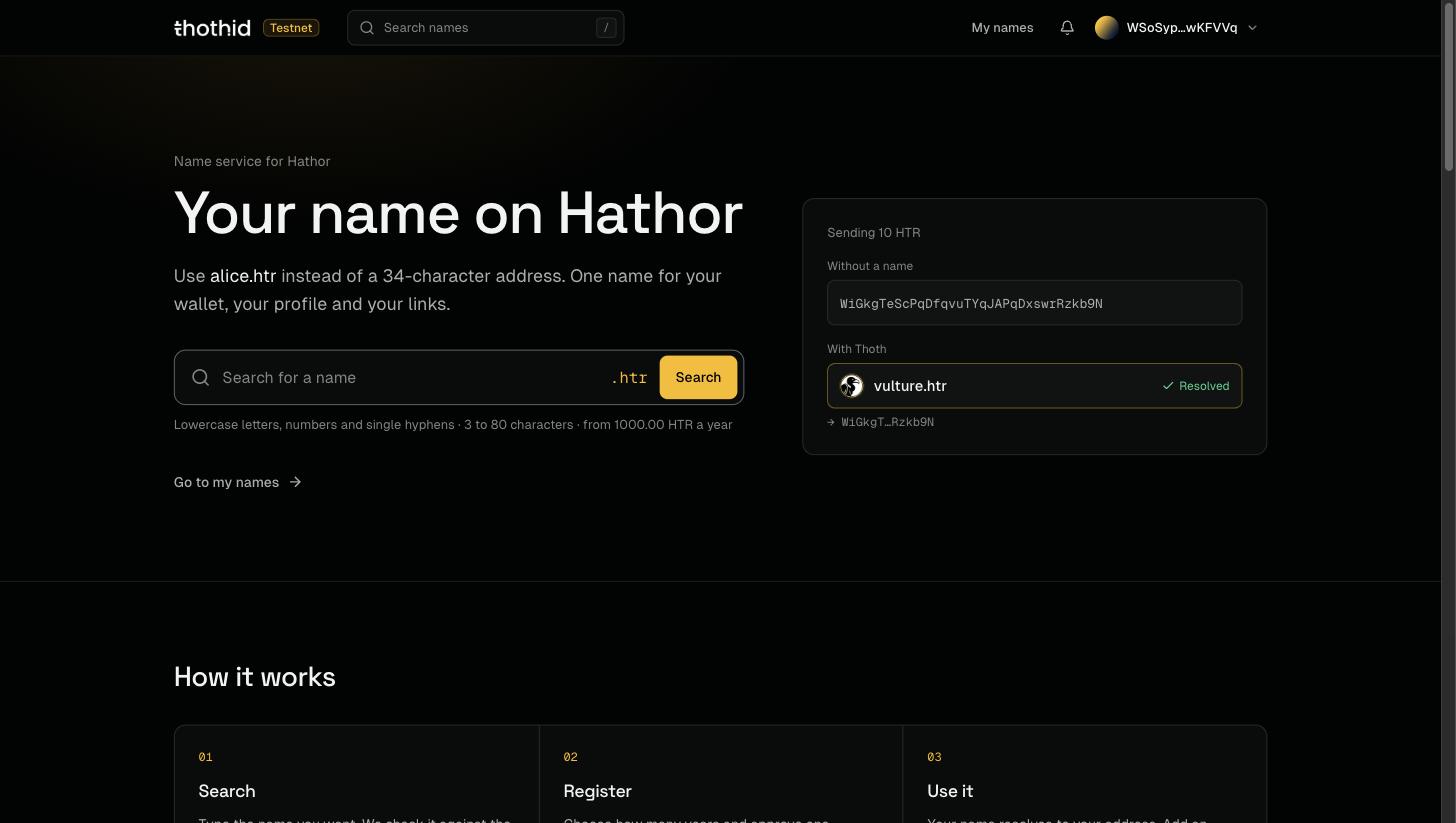
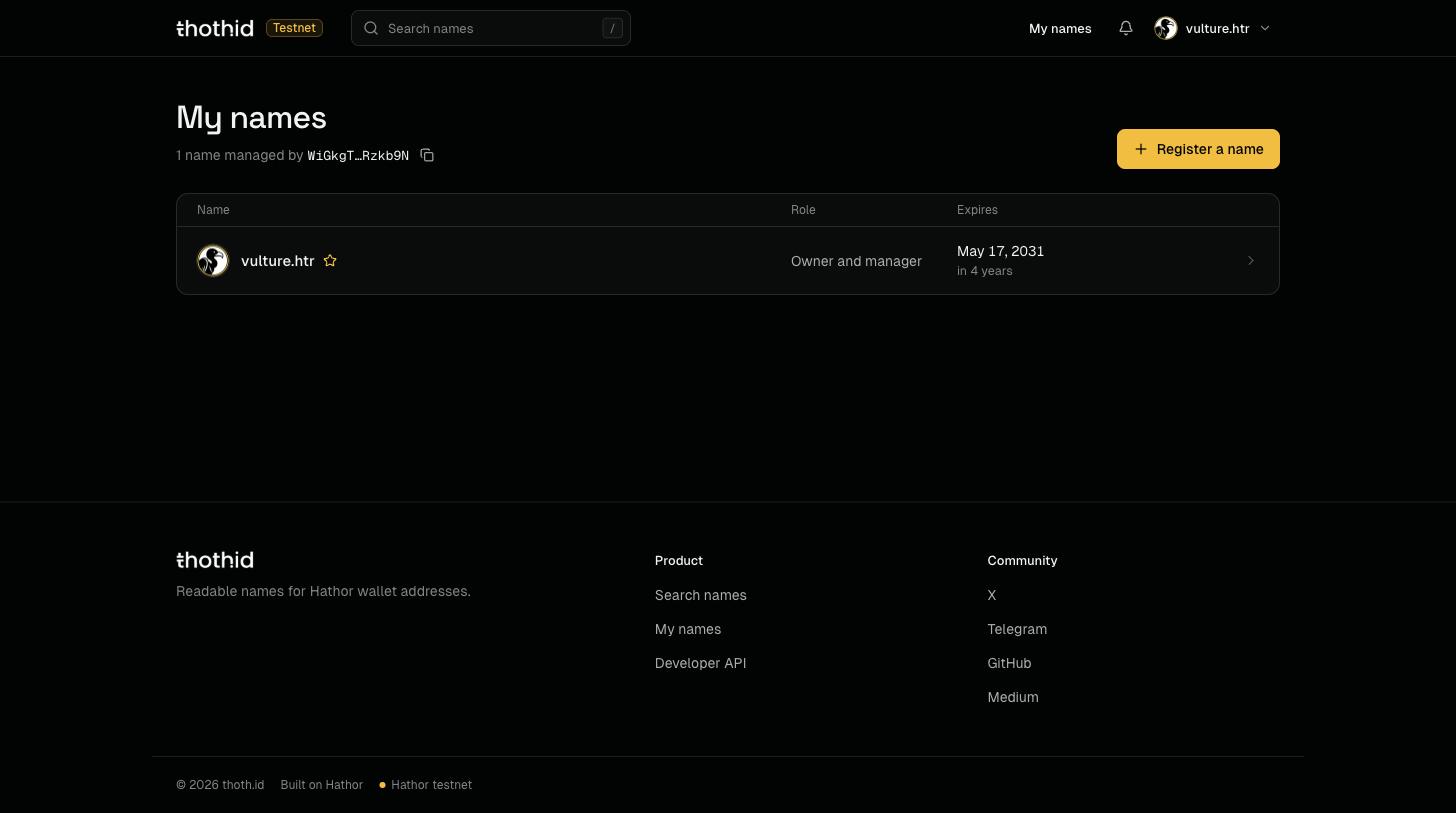
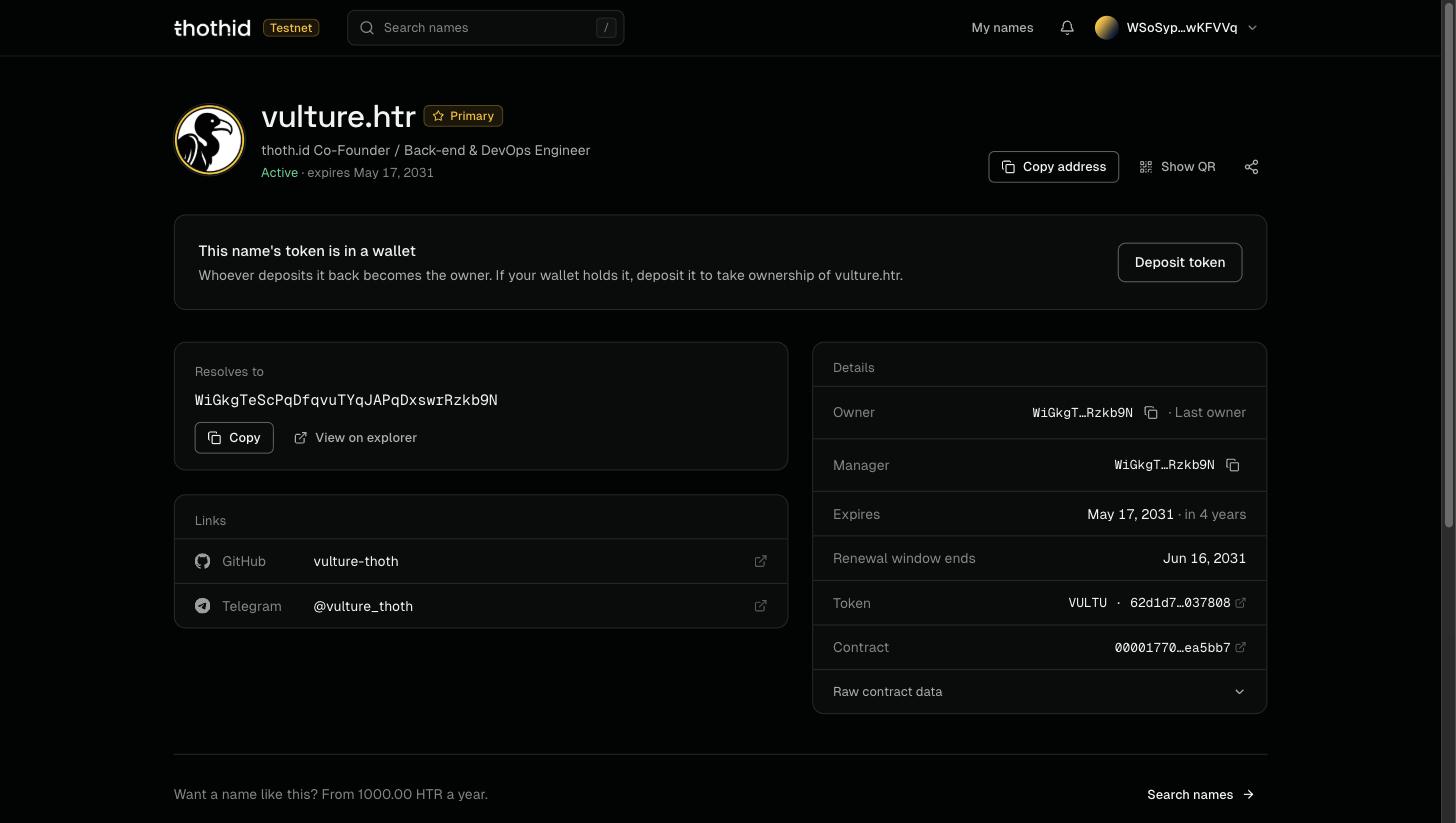
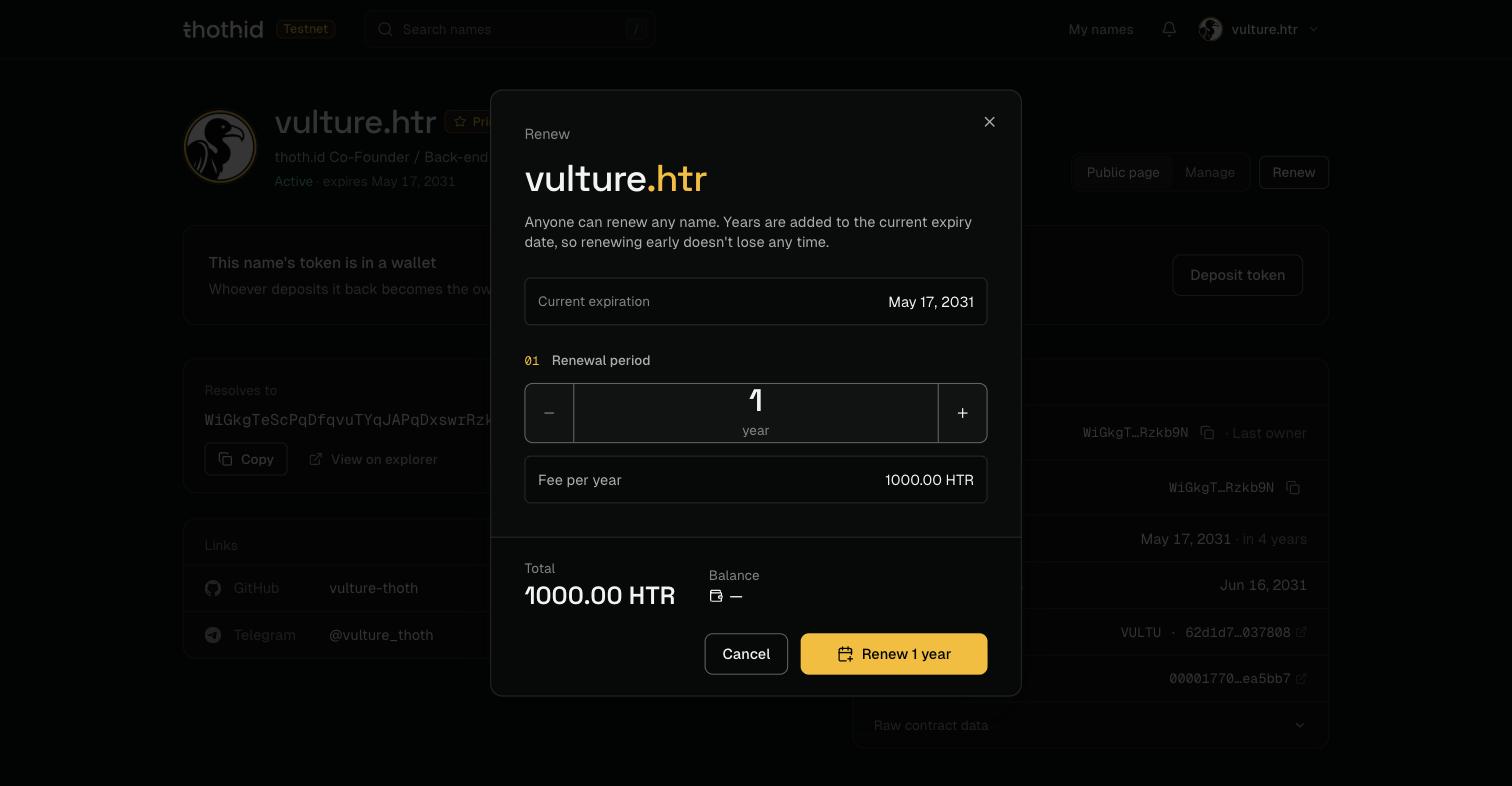
The thoth.id web app is where you search for a name, register it, and manage everything attached to it: your avatar and bio, your links, the address the name points to, who controls it, and when it expires.

This section is the **user guide**. If you are a developer looking to read thoth.id data from your own application, see the [SDK Reference](/sdk-reference.md) instead.

![The thoth.id landing page](https://2559695096-files.gitbook.io/~/files/v0/b/gitbook-x-prod.appspot.com/o/spaces%2F8NQqK3W76Bj7LGhFgkFC%2Fuploads%2Fgit-blob-7eb544426b468a84b0f8f6c330550e82f08ffe6d%2Flanding-hero.jpg?alt=media)

## What you can do

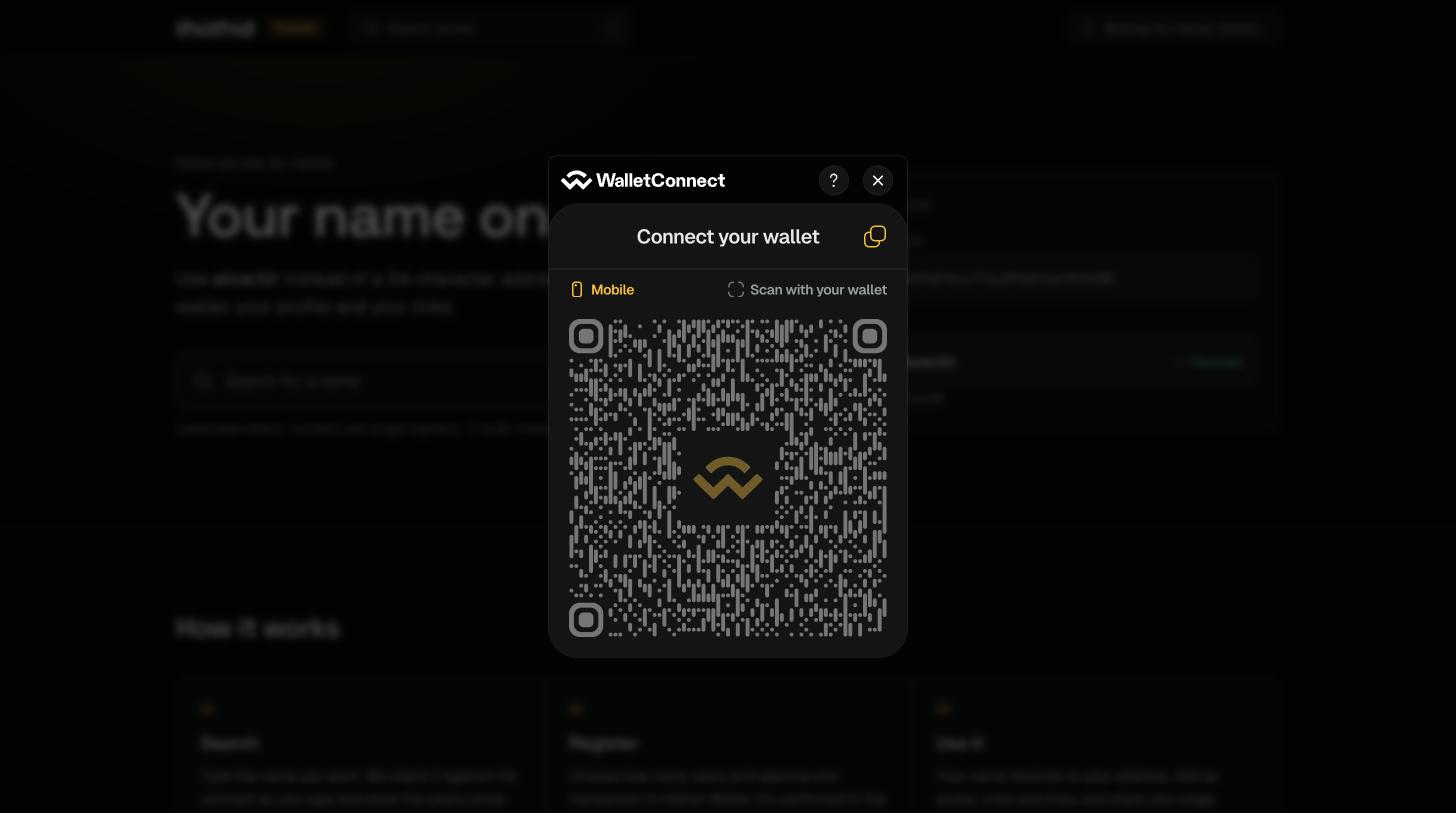
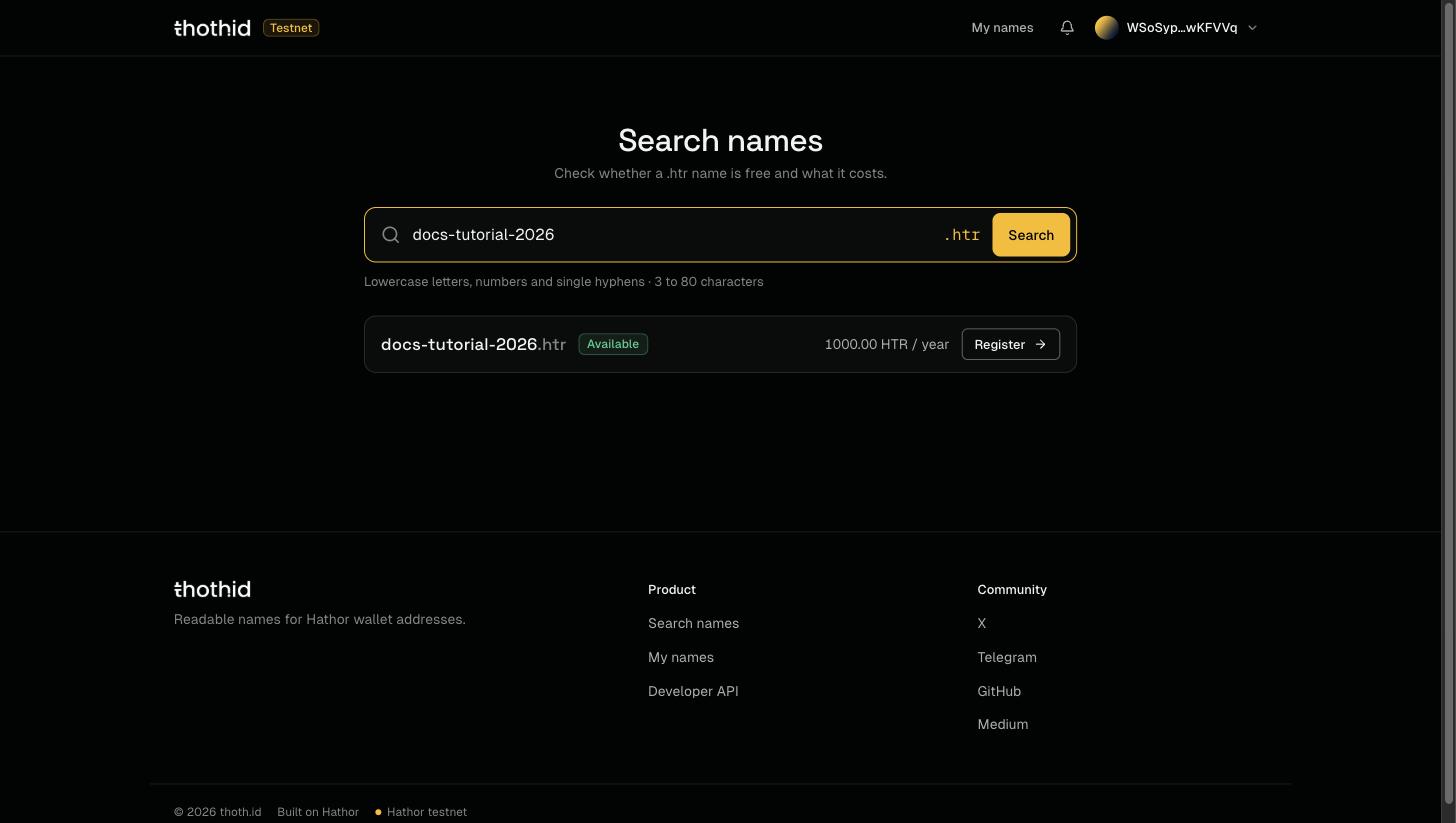
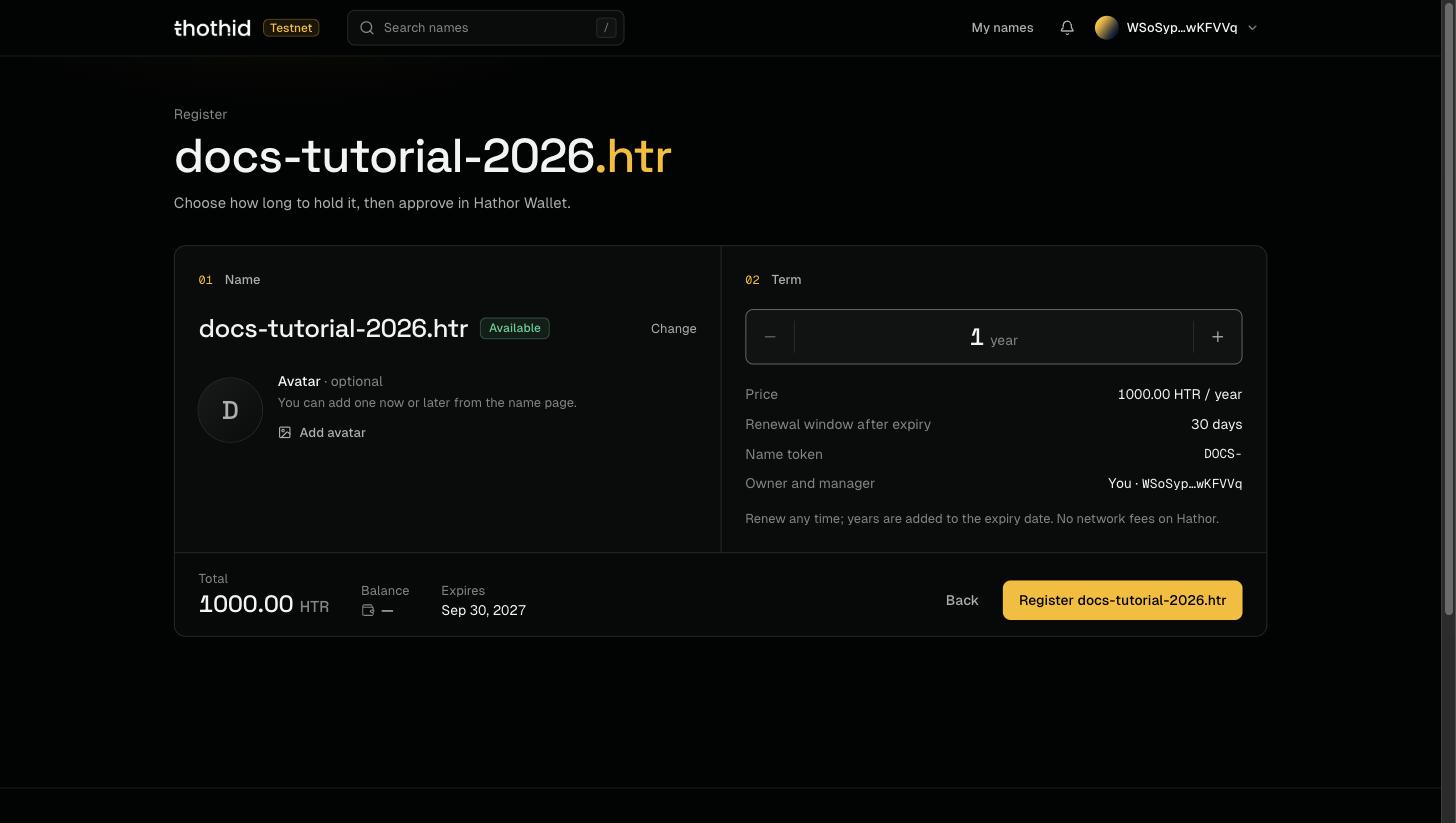
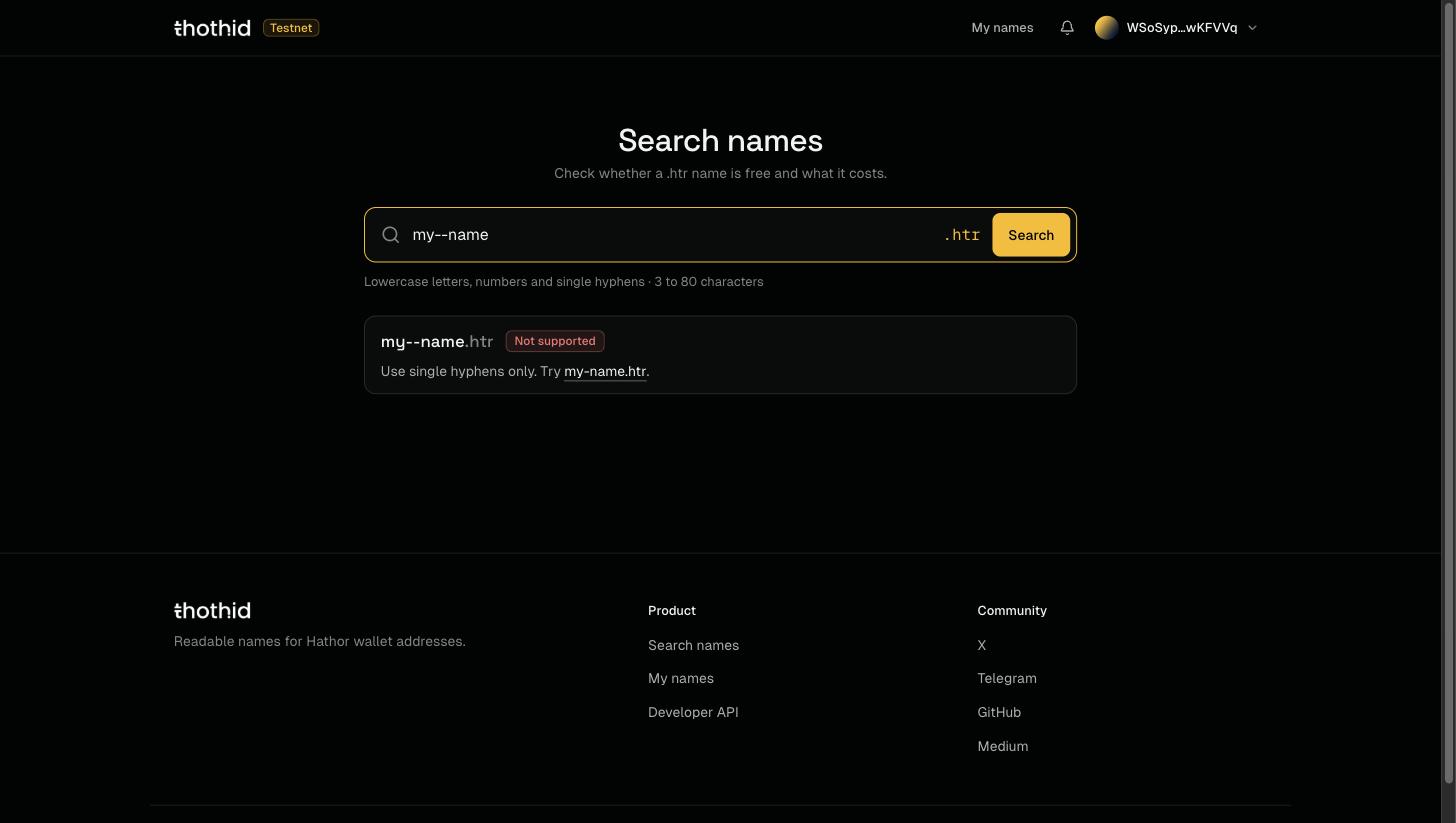
<table data-view="cards"><thead><tr><th></th><th></th><th data-hidden data-card-target data-type="content-ref"></th><th data-hidden data-card-cover data-type="image">Cover image</th></tr></thead><tbody><tr><td><strong>Register Your First Name</strong></td><td>Get started: register a name end to end.</td><td><a href="/web-app/quickstart.md">Register Your First Name</a></td><td><a href="https://2559695096-files.gitbook.io/~/files/v0/b/gitbook-x-prod.appspot.com/o/spaces%2F8NQqK3W76Bj7LGhFgkFC%2Fuploads%2Fgit-blob-7eb544426b468a84b0f8f6c330550e82f08ffe6d%2Flanding-hero.jpg?alt=media">landing-hero.jpg</a></td></tr><tr><td><strong>Connect Your Wallet</strong></td><td>Link Hathor Wallet through WalletConnect.</td><td><a href="/web-app/connect-wallet.md">Connect Your Wallet</a></td><td><a href="https://2559695096-files.gitbook.io/~/files/v0/b/gitbook-x-prod.appspot.com/o/spaces%2F8NQqK3W76Bj7LGhFgkFC%2Fuploads%2Fgit-blob-8bddbe555d54554a17ffd2736db63c2eabbbeb30%2Fconnect-wallet-modal.jpg?alt=media">connect-wallet-modal.jpg</a></td></tr><tr><td><strong>Search for a Name</strong></td><td>Find out whether a name is free and what it costs.</td><td><a href="/web-app/search.md">Search for a Name</a></td><td><a href="https://2559695096-files.gitbook.io/~/files/v0/b/gitbook-x-prod.appspot.com/o/spaces%2F8NQqK3W76Bj7LGhFgkFC%2Fuploads%2Fgit-blob-dd23cc94b8be517e313608051511582b32ee4ad0%2Fsearch-available.jpg?alt=media">search-available.jpg</a></td></tr><tr><td><strong>Register a Name</strong></td><td>Choose a term, add an avatar and register.</td><td><a href="/web-app/register.md">Register a Name</a></td><td><a href="https://2559695096-files.gitbook.io/~/files/v0/b/gitbook-x-prod.appspot.com/o/spaces%2F8NQqK3W76Bj7LGhFgkFC%2Fuploads%2Fgit-blob-936708f39592395364471927fab2407605229fbb%2Fregister-page.jpg?alt=media">register-page.jpg</a></td></tr><tr><td><strong>My Names</strong></td><td>See every name you manage.</td><td><a href="/web-app/dashboard.md">My Names</a></td><td><a href="https://2559695096-files.gitbook.io/~/files/v0/b/gitbook-x-prod.appspot.com/o/spaces%2F8NQqK3W76Bj7LGhFgkFC%2Fuploads%2Fgit-blob-f8cc5007b2a78a5b586e6a744a5c32ddd07b6387%2Fmy-names.jpg?alt=media">my-names.jpg</a></td></tr><tr><td><strong>The Name Page</strong></td><td>The public page of a name, and Manage mode.</td><td><a href="/web-app/domain-page.md">The Name Page</a></td><td><a href="https://2559695096-files.gitbook.io/~/files/v0/b/gitbook-x-prod.appspot.com/o/spaces%2F8NQqK3W76Bj7LGhFgkFC%2Fuploads%2Fgit-blob-2715c751ca29f8e39193289e113626d4edf59e4f%2Fname-public.jpg?alt=media">name-public.jpg</a></td></tr><tr><td><strong>Renew a Name</strong></td><td>Add years before a name expires.</td><td><a href="/web-app/renew.md">Renew a Name</a></td><td><a href="https://2559695096-files.gitbook.io/~/files/v0/b/gitbook-x-prod.appspot.com/o/spaces%2F8NQqK3W76Bj7LGhFgkFC%2Fuploads%2Fgit-blob-851eb31ba50424fc92d4c2fa8b8f1e9890ef9ffa%2Frenew-dialog.jpg?alt=media">renew-dialog.jpg</a></td></tr><tr><td><strong>Transactions &#x26; Activity</strong></td><td>Follow a transaction to confirmation.</td><td><a href="/web-app/notifications.md">Transactions &amp; Activity</a></td><td><a href="https://2559695096-files.gitbook.io/~/files/v0/b/gitbook-x-prod.appspot.com/o/spaces%2F8NQqK3W76Bj7LGhFgkFC%2Fuploads%2Fgit-blob-9a71740368a67f4655512936839bfede0358dcb0%2Factivity.jpg?alt=media">activity.jpg</a></td></tr><tr><td><strong>Naming Rules &#x26; Fees</strong></td><td>Which names are allowed and what they cost.</td><td><a href="/web-app/naming-rules-and-fees.md">Naming Rules &amp; Fees</a></td><td><a href="https://2559695096-files.gitbook.io/~/files/v0/b/gitbook-x-prod.appspot.com/o/spaces%2F8NQqK3W76Bj7LGhFgkFC%2Fuploads%2Fgit-blob-d6d26579502840e901f55674e72f31a7159ca8cd%2Fsearch-not-supported.jpg?alt=media">search-not-supported.jpg</a></td></tr></tbody></table>

## How it works, in one paragraph

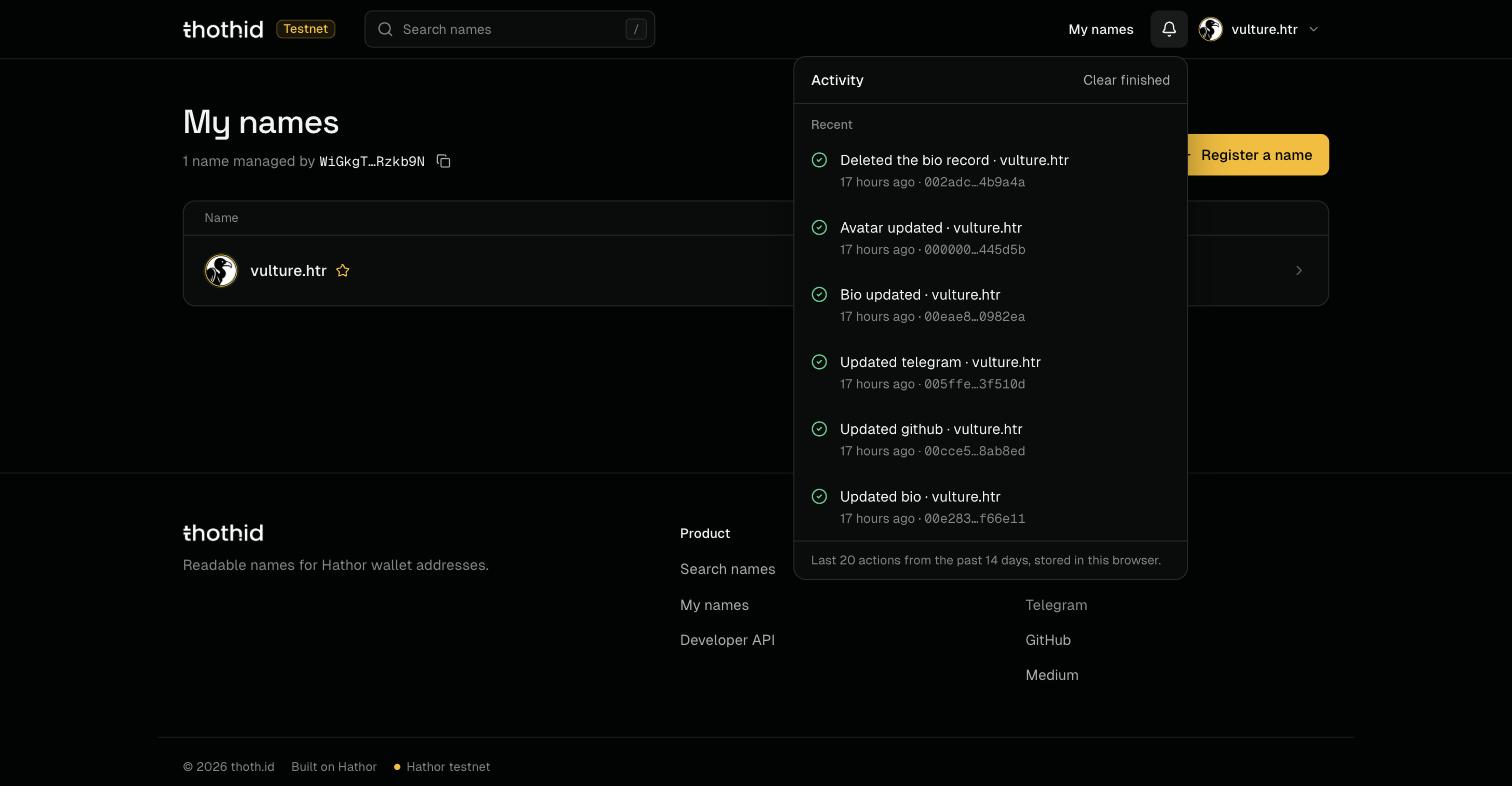
Every thoth.id name is an **entry in a nano contract on the Hathor Network**, and registering one also mints a **token** (an NFT) that represents it. The web app never holds your keys and never stores your names. It reads the contract through the [thoth.id SDK](/sdk-reference.md), and every change you make is a transaction that **you approve in Hathor Wallet**. Nothing changes until that transaction confirms on-chain, usually in about 30 seconds. There are no network fees on Hathor; you only pay the name's price.

The one exception is avatar images. An image is too big to live on-chain, so the app uploads it to blob storage and writes only the resulting **URL** into your on-chain profile.

## Before you start

You need:

* **Hathor Wallet** with WalletConnect support: the mobile app or the desktop wallet.
* Some **HTR** in that wallet to pay for the name and, later, renewals.

That's it. There is no thoth.id account, no password, and no sign-up. Your wallet *is* your identity.

You don't need a wallet to look around: searching, and viewing any name's public page, work without one.

{% hint style="info" %}
Stuck? See [Troubleshooting](/web-app/troubleshooting.md).
{% endhint %}


---

# Agent Instructions
This documentation is published with GitBook. GitBook is the documentation platform designed so that both humans and AI agents can read, navigate, and reason over technical content effectively. Learn more at gitbook.com.

## Querying This Documentation
If you need additional information that is not directly available in this page, you can query the documentation by asking a question.

Perform an HTTP GET request on the following URL with the `ask` and `goal` query parameters:

```
GET https://docs.thoth.id/web-app.md?ask=<question>&goal=<user_goal>
```

`ask` is the immediate question: it should be specific, self-contained, and written in natural language.
`goal` is what the user is ultimately trying to achieve, the reason they need the answer. Sharing it helps GitBook give you a better, more relevant answer. A goal is most helpful when it describes the outcome the user wants rather than restating the question. For example, with `ask=how do I create an API token`, a goal like `automate deployments from our CI pipeline` lets GitBook tailor the answer to that use case.

The response will contain a direct answer to the question and relevant excerpts and sources from the documentation.

Use this mechanism when the answer is not explicitly present in the current page, you need clarification or additional context, or you want to retrieve related documentation sections.